Project planning
CoreFolio
Project schedules in the browser, compatible with .mpp project files.
A planning tool that opens and saves .mpp files, so project managers keep their schedules while the organisation moves to a shared, browser-based workspace.
CoreFolio opens to the public in the first quarter of 2027. Organisations can contact us now for an early look on their own .mpp files, or for a private deployment.
Where it runs
- At launch
- Your server or one we manage (Docker)
- Also delivered on request
- Private deployment for your organisation before the public launch
The real application
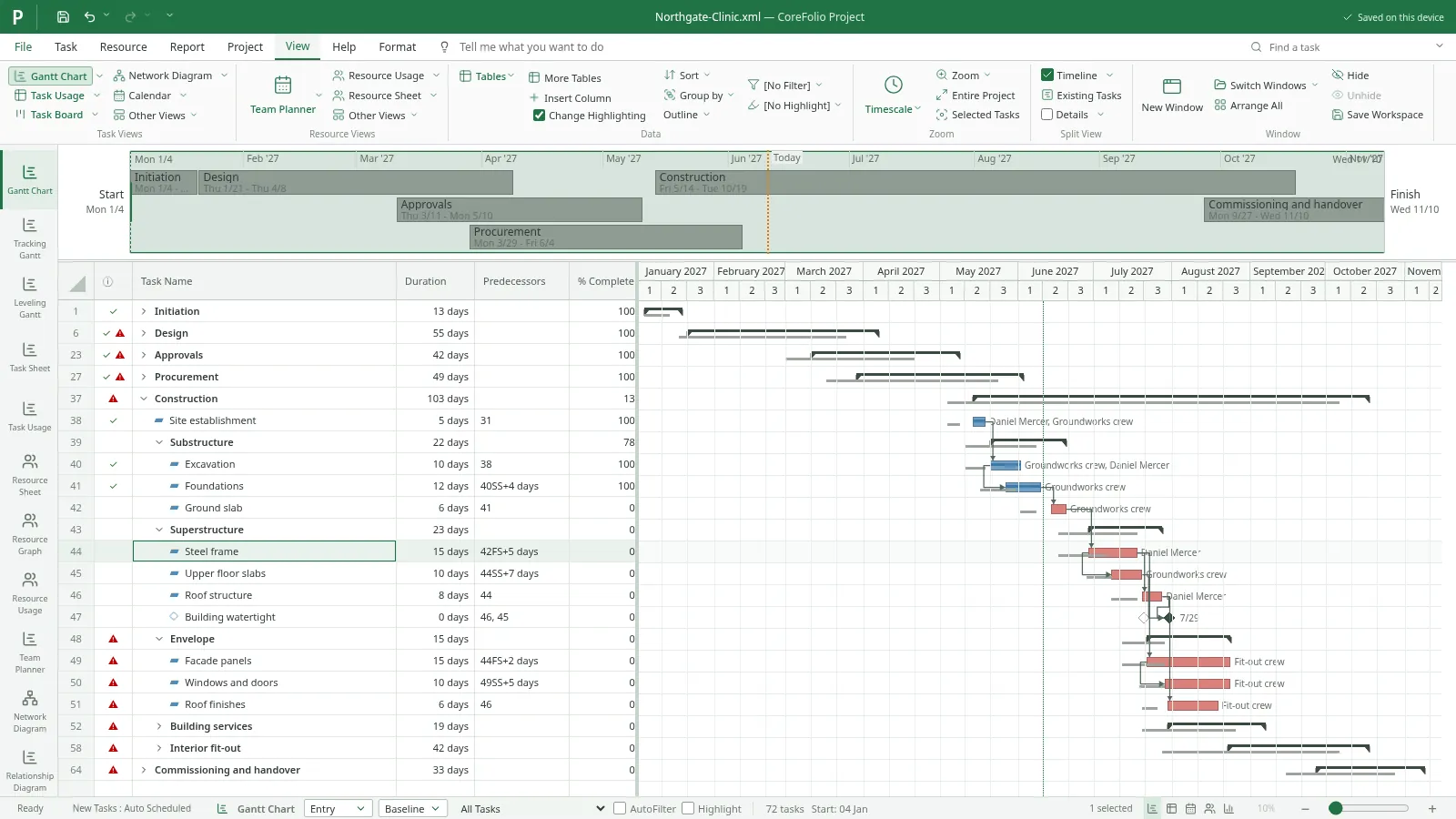
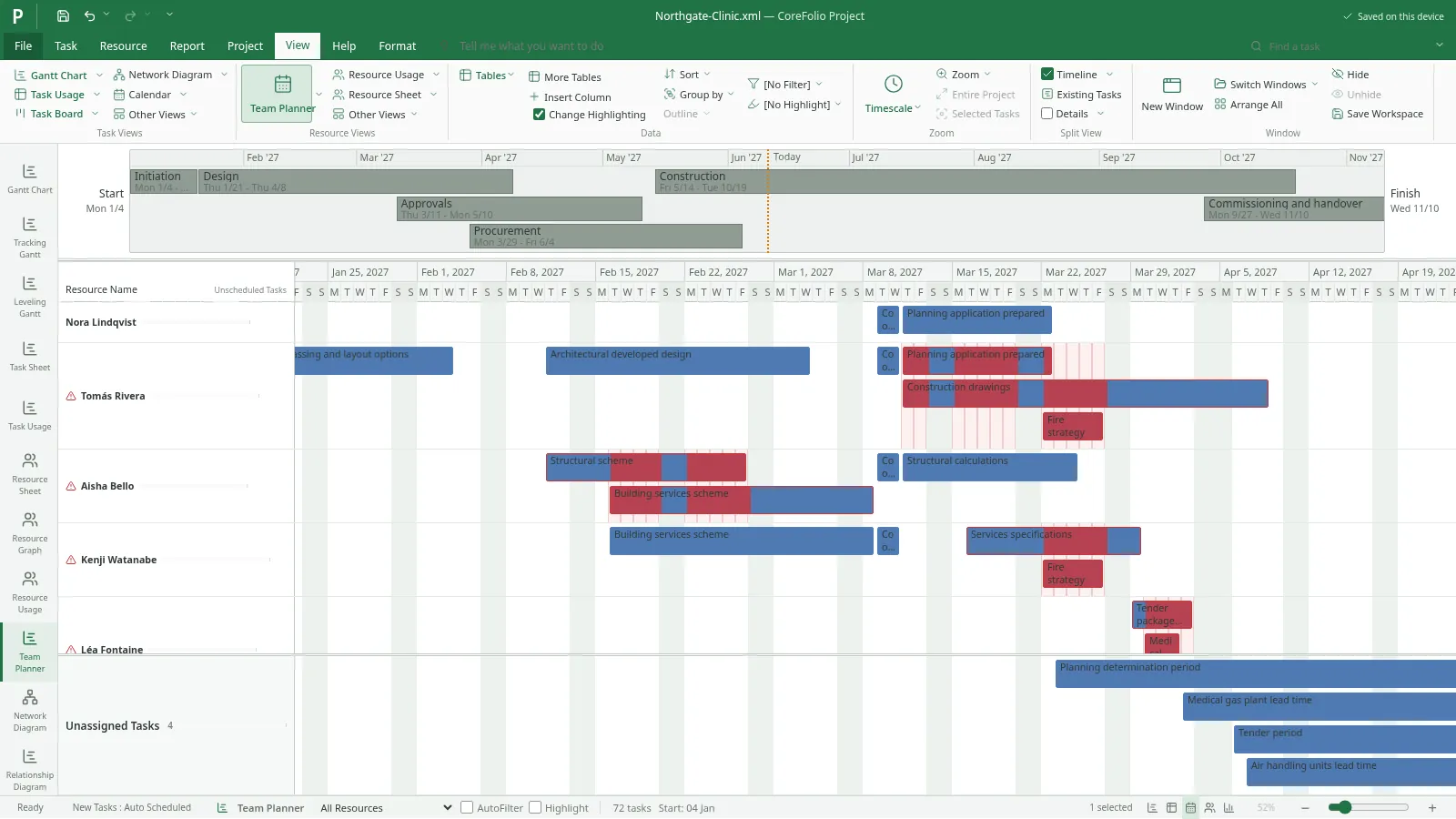
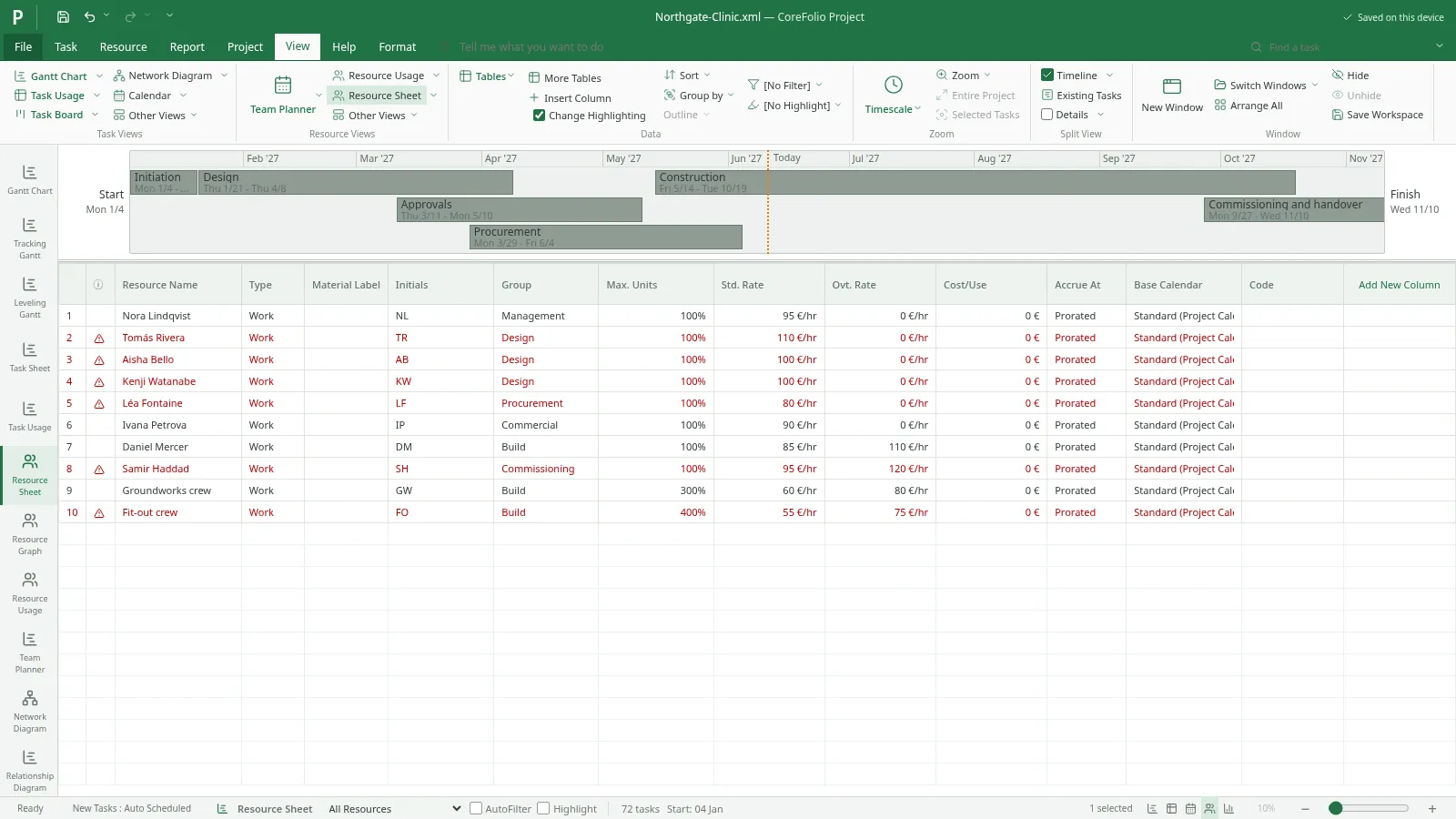
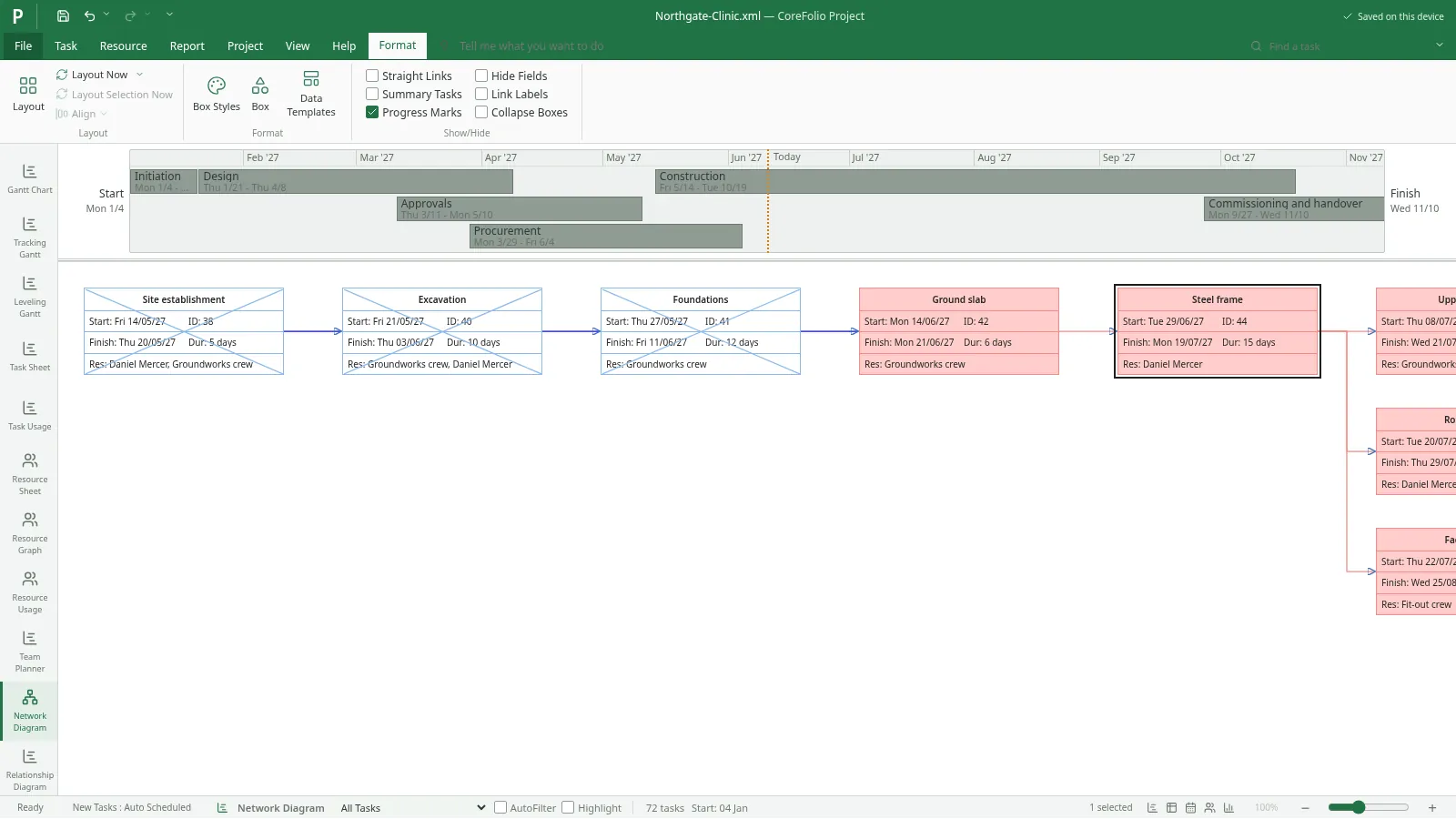
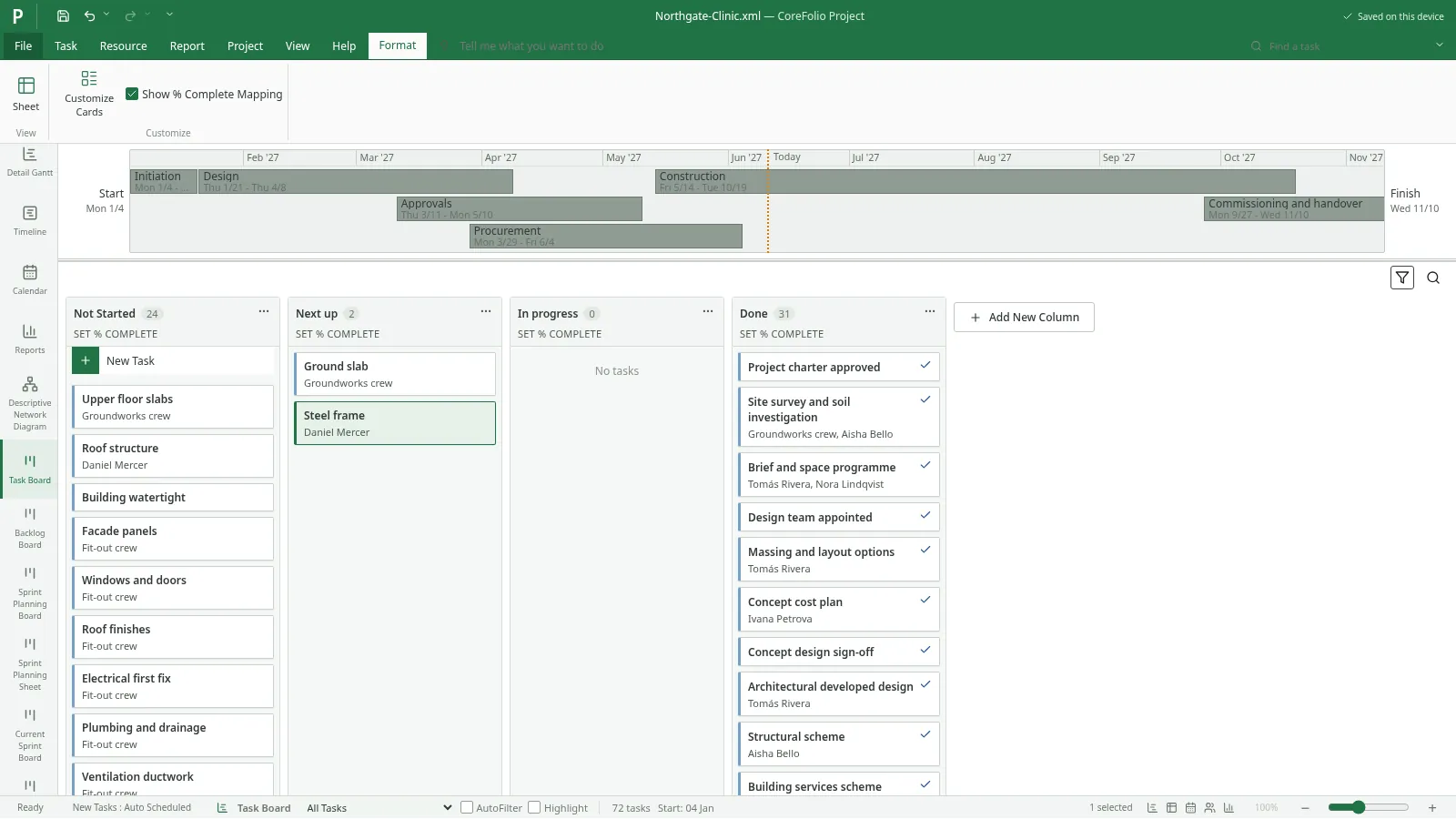
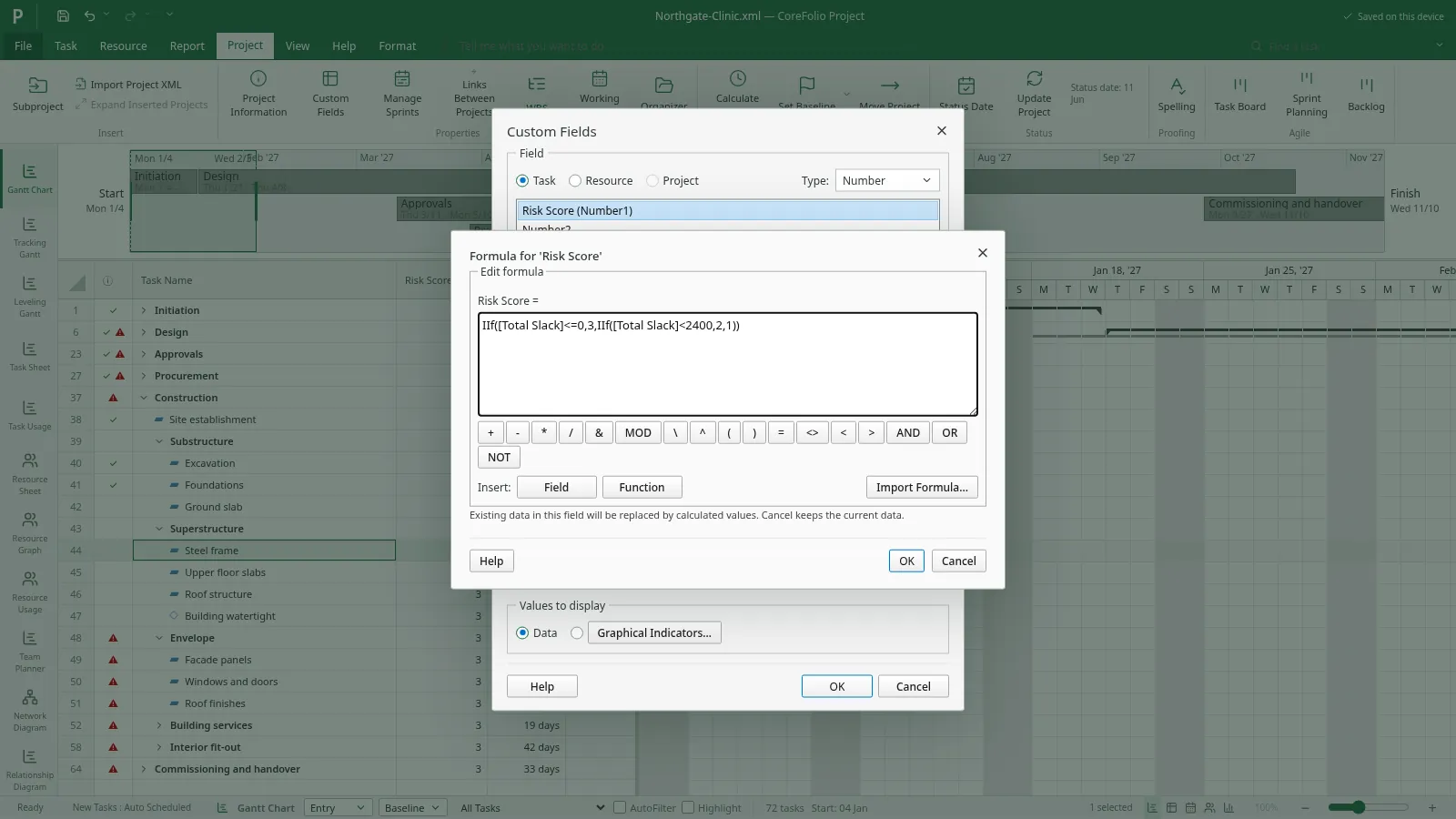
Screens from the product itself.
What it does
.mpp files in and out
Opens .mpp project files and saves schedules back to .mpp. Some advanced data (baselines, custom fields) is kept in the CoreFolio format. We check your files before any commitment.
Gantt and timeline
Link tasks, set constraints and see the critical path update as you type.
Resources and workload
Resource sheet, task usage and a team planner to spot over-allocation.
Baselines and calendars
Save a baseline, compare against it, and model working time with exceptions.
Boards and network diagram
The same plan viewed as a board or as a dependency network.
Custom fields with formulas
Add the columns your reporting needs and compute them from task data.
Who it suits
Organisations with many .mpp schedules that want one shared place for them.
What it does not do yet
It does not yet cover every feature of desktop scheduling tools, and the .mpp writer does not yet store baselines, custom fields or part-time assignments. We check your files against it before any commitment.
AI connection
Connect your AI agent
Connect your agent or AI assistant to CoreFolio through a secure MCP server: it reads your data within its permissions, does real work and produces custom reports.
Option delivered with your deployment
What an agent can read
- Tasks, dates, dependencies and the critical path
- Resources, assignments and workload by week
- Baselines and the gap between plan and forecast
What it can do
- Update progress from a team’s status message
- Move a task and report the effect on the finish date before saving
- Flag over-allocated people and suggest who could take the work
Custom reports, for example
- Slippage against the baseline, task by task, for the steering committee
- Workload for the next four weeks by team
Delivered with your deployment
Scoped tokens
One token per agent, with only the permissions you tick and an expiry date. Revoked in one click.
Per-role permissions
An agent never sees or does more than the role it acts for.
Audit log
Every call is recorded: which agent, which tool, what changed, allowed or refused.
Your model, your provider
Any assistant or agent platform that speaks MCP, with the model and provider you choose, including one you host.
Would CoreFolio fit your process?
CoreFolio opens to the public in the first quarter of 2027. Organisations can contact us now for an early look on their own .mpp files, or for a private deployment.